Definition:
- Used as the primary login credential for accessing the platform.
- Receives all account-related notifications, including updates, alerts, support communication, and password recovery information.
- Acts as a key point of contact for account security and verification processes.
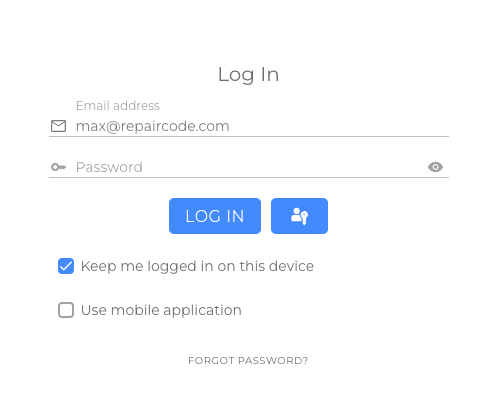
Account Email Address for Login:
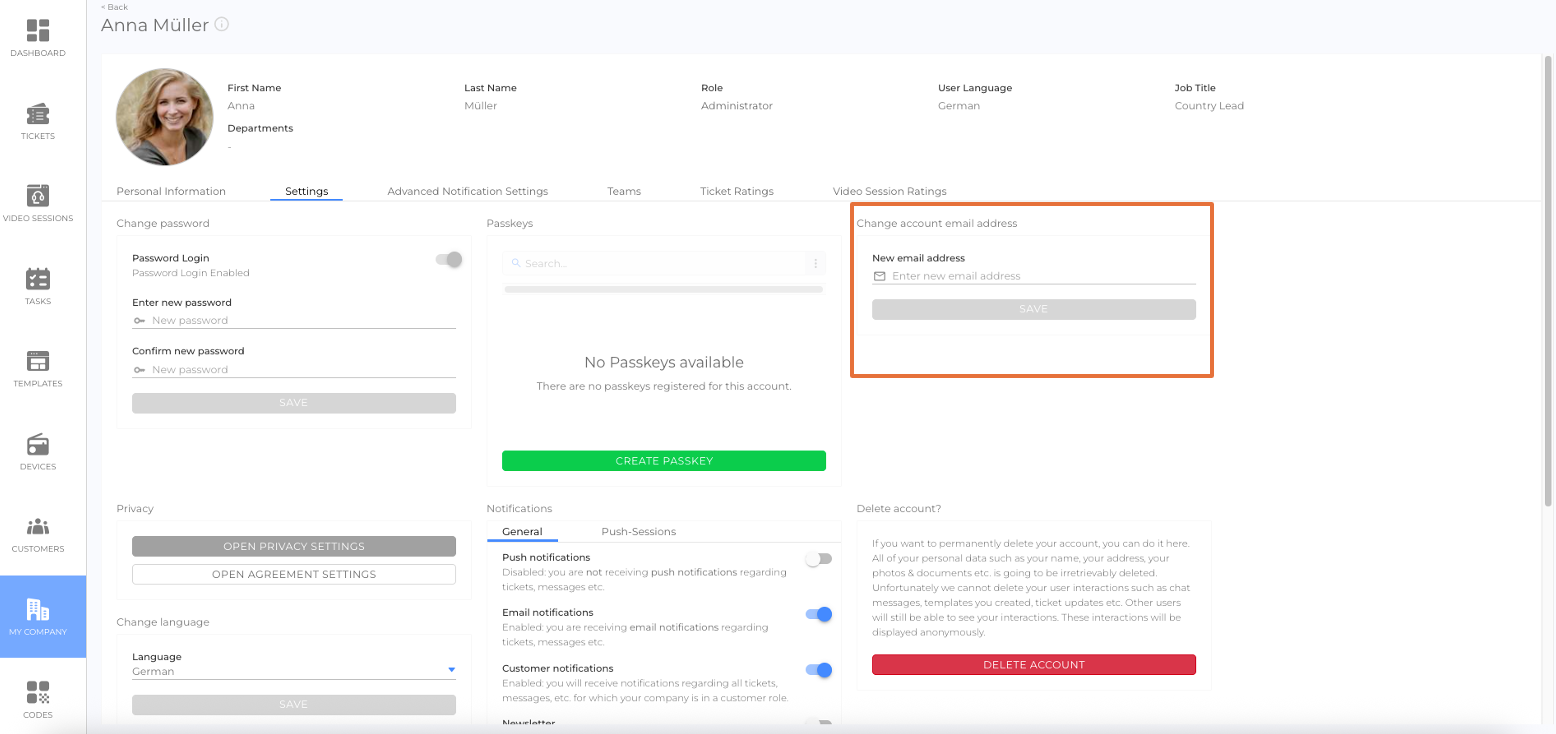
How to change the Account Email Address:
- Click the User profile to open the notification panel
- Click Settings to open the user account settings view
- Find the Change account email address section
- Enter a new and valid email address
- Click the Save button
Note
The email displayed in the employee details view may differ from the Account Email Address!
Passkeys for Login:
A Passkey is a secure and easy way to log in to the platform without using a password.
Instead of typing in your password, you can sign in using your fingerprint, face recognition, or a device PIN — depending on what your phone or computer supports.
How Passkeys Work
- In the login view, user gets the option to create a passkey.
- Once created, it’s safely stored on your device (like your smartphone or computer).
- The next time you sign in, the platform recognizes your device and ask for your fingerprint, Face ID, or PIN instead of a password.
- The passkey is unique to you and cannot be shared or used on another device without permission.
Note: For more information, see the article Login on the Platform
Was this article helpful?
YesNo
 We use cookies on our website to give you the most relevant experience by remembering your preferences and repeat visits. By clicking “Accept All”, you consent to the use of ALL the cookies. However, you may visit "Cookie Settings" to provide a controlled consent.