Definition:
A Video Session is a one-on-one video call between a code user and an employee, designed to facilitate remote communication and collaboration. Video Sessions include features like augmented reality (AR) tools to enhance understanding and improve service efficiency.
Purpose:
Video Sessions enable direct and interactive communication between code users and employees, supporting efficient resolution of service cases and improving collaboration through visual tools.
Key Characteristics:
- AR Features:
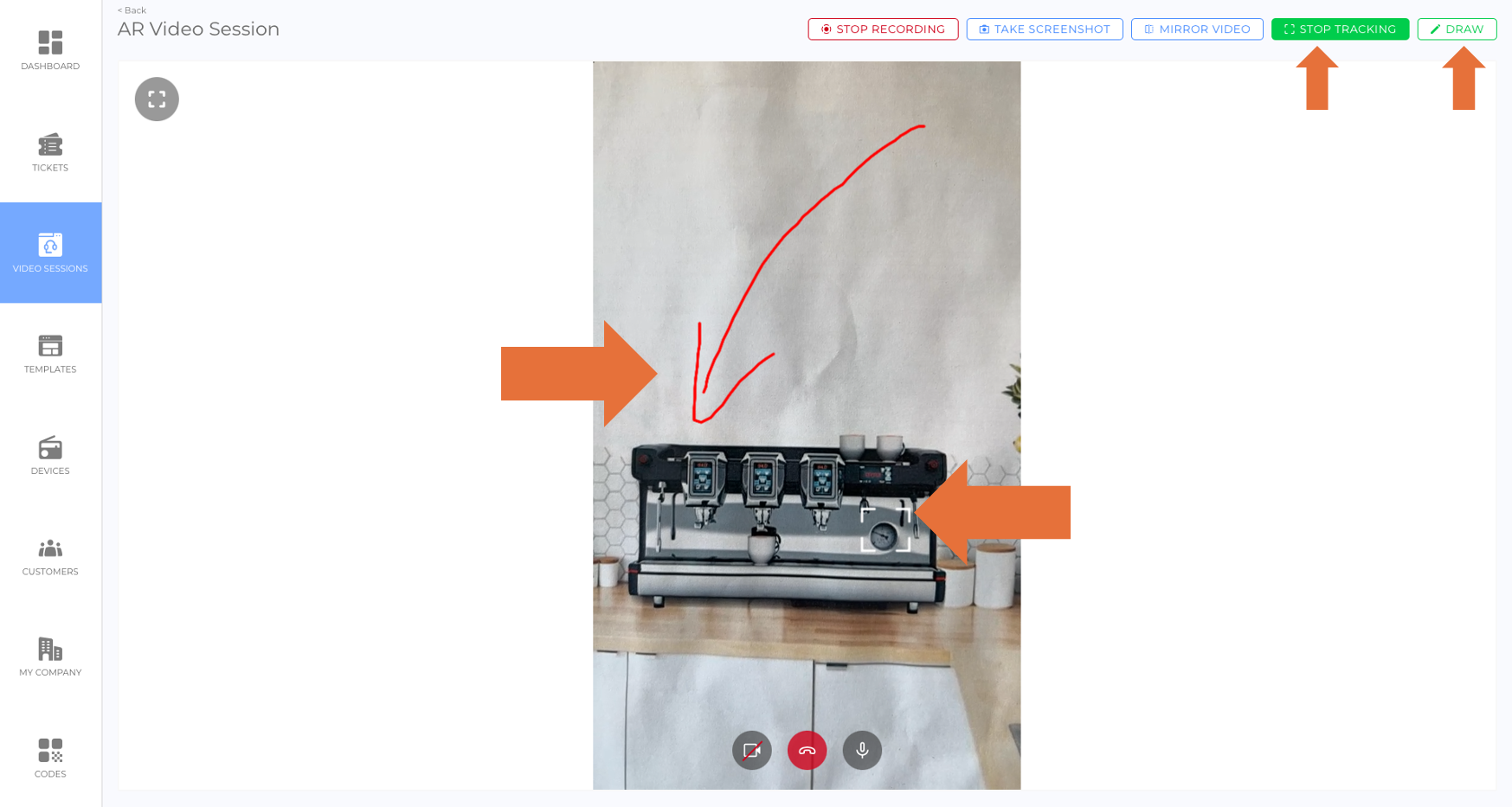
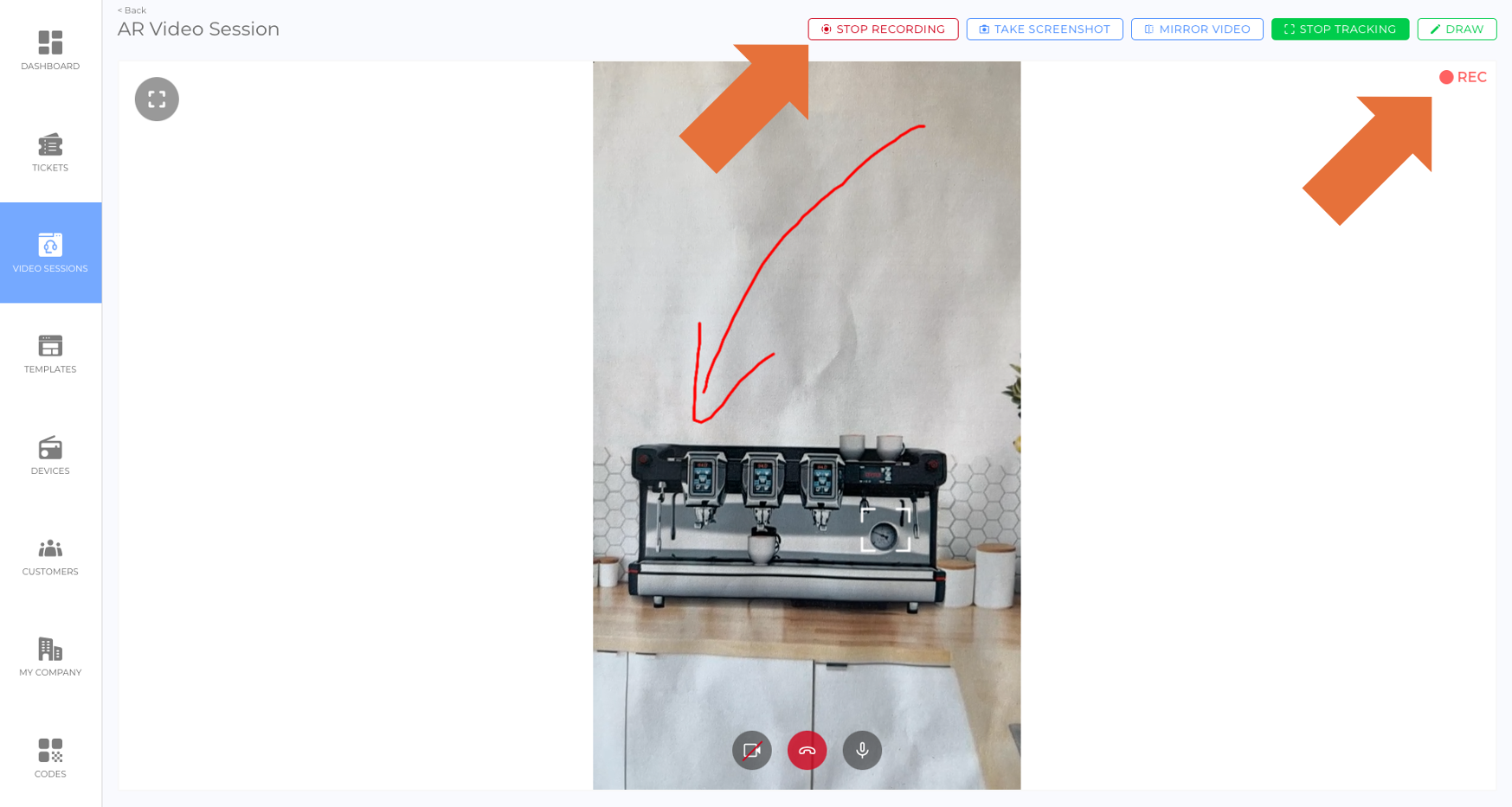
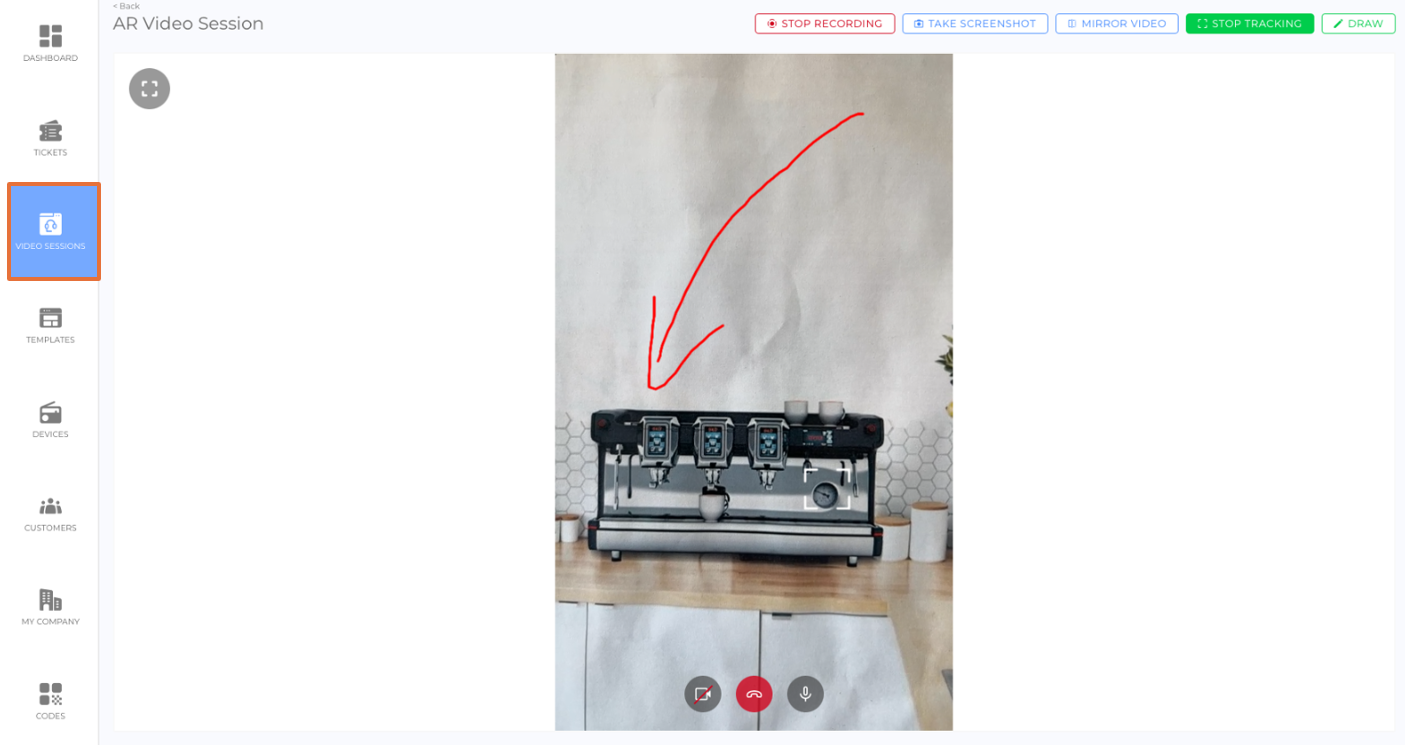
- Includes tools such as "drawing" and "tracking" to enhance mutual understanding between participants (picture).
- Accessibility and Visibility:
- Public by Default:
- Initially, Video Sessions are public and intended for communication between code users and employees.
- Public sessions are accessible to both parties and allow for collaboration.
- Internal Setting:
- After creation, Video Sessions can be set to internal to hide them from code users.
- This setting allows employees to retain the session as a service record without deleting it, ensuring it can be referenced later if needed.
- Public by Default:
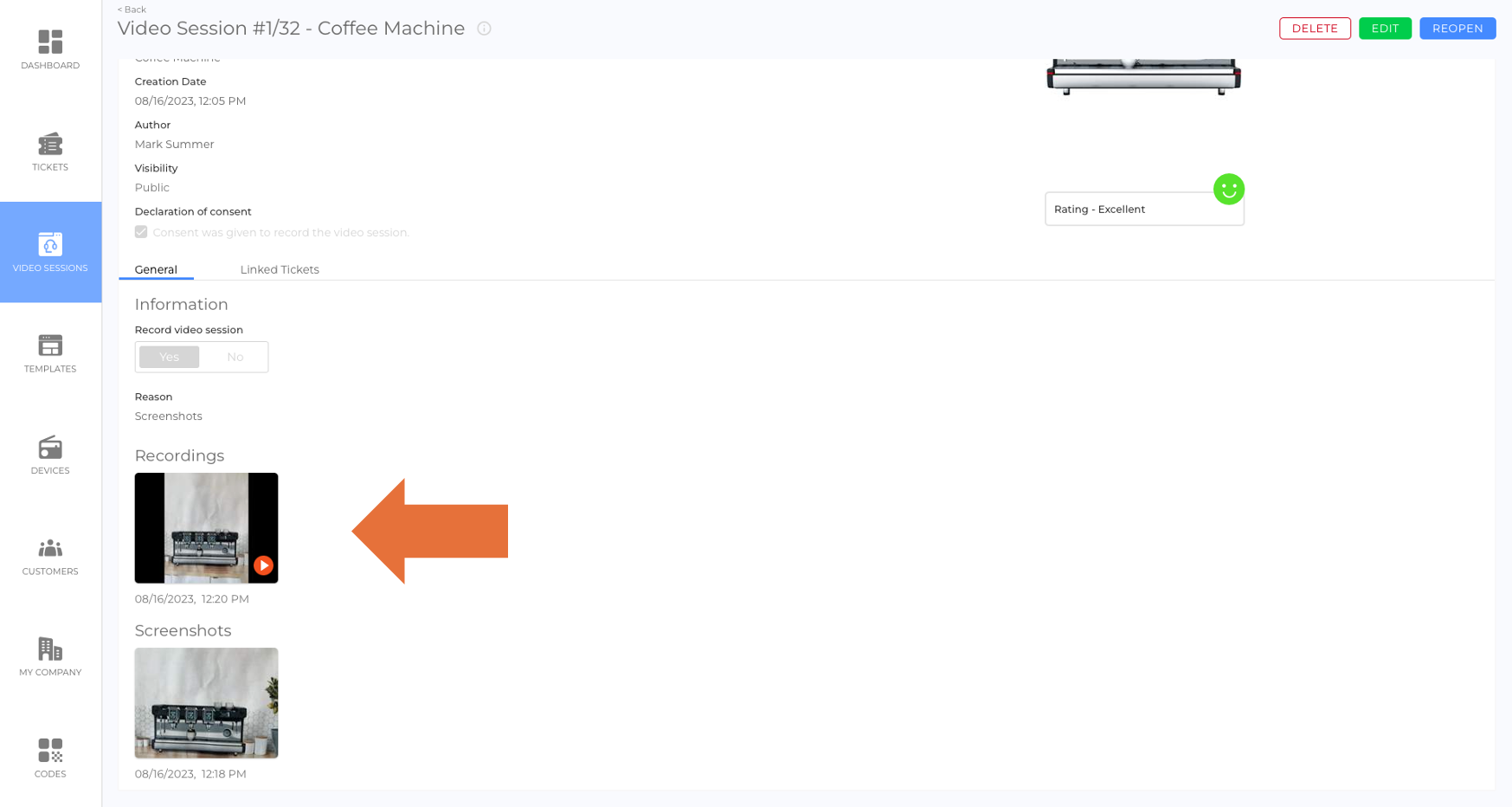
- Recording Option:
- Screenshot Functionality:
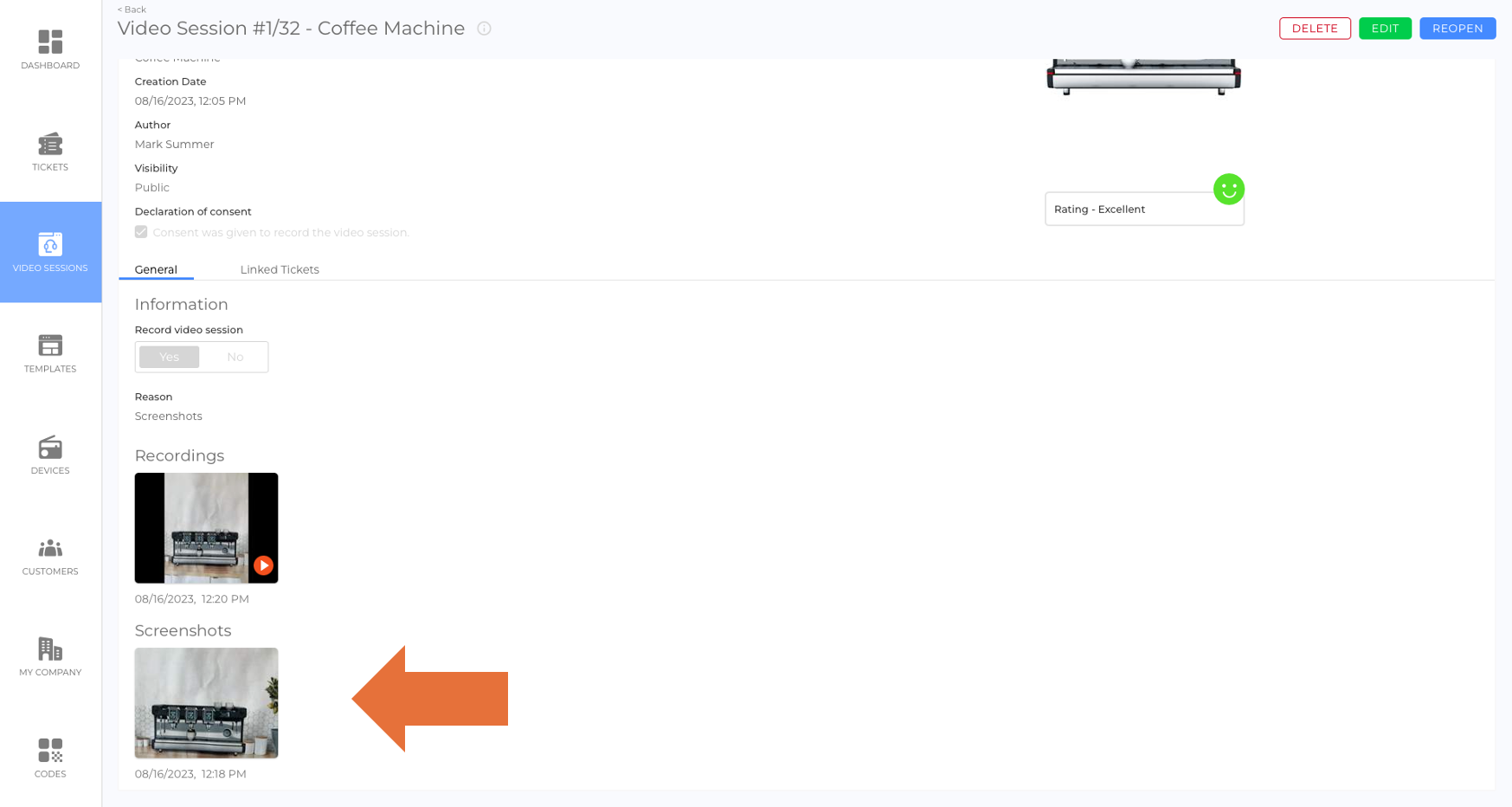
- Allows participants to take and edit screenshots during the session, for example, to highlight important areas.
- Screenshots are available to both employees and code users after the session ends (picture).
- Integration with Tickets:
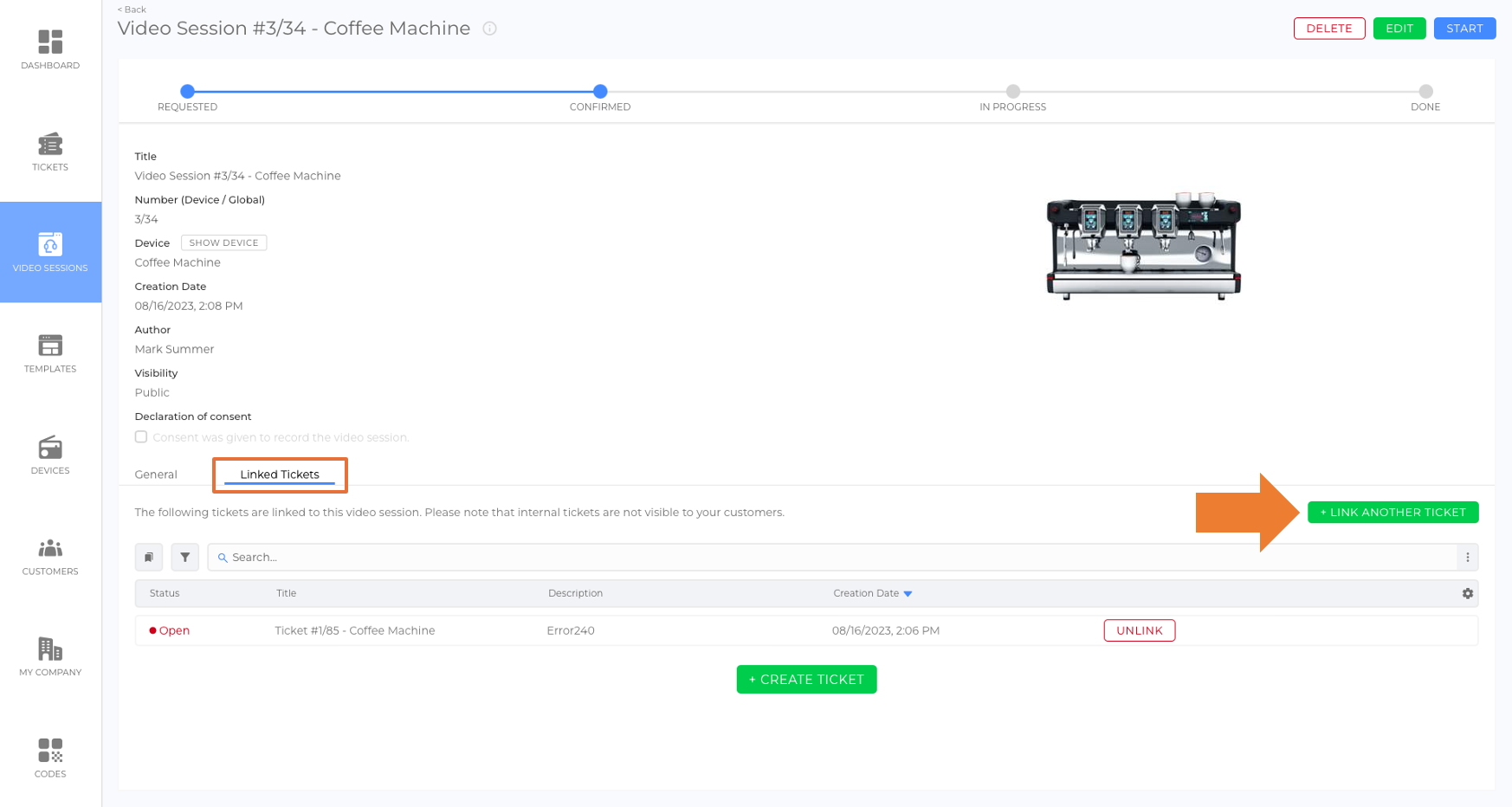
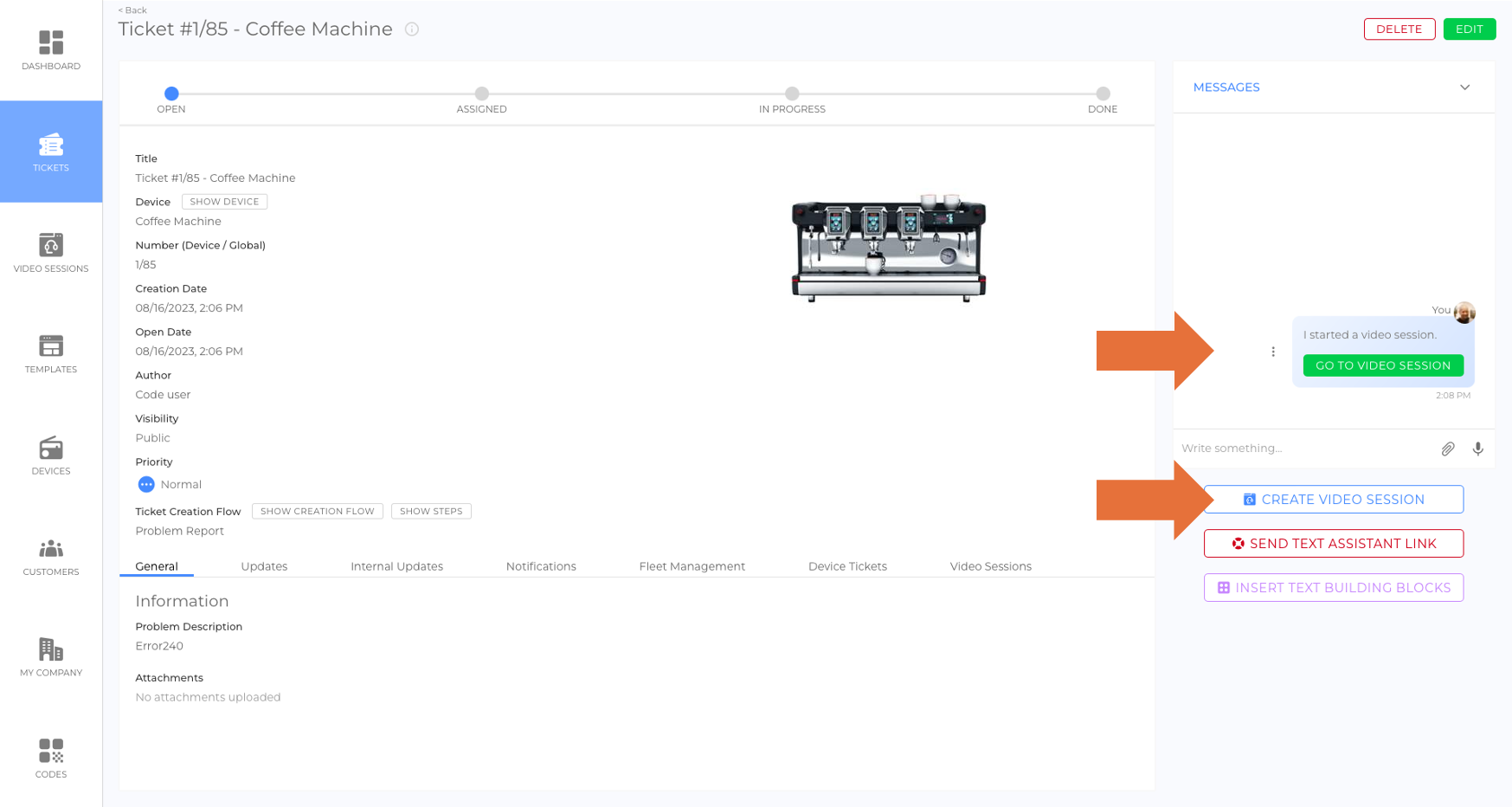
- Video Sessions can be linked to tickets for comprehensive documentation of service cases (picture).
- Status Tracking:
- Ratings:
- Code users can rate Video Sessions after completion, providing feedback on service quality (article: Ratings).
- Creation and Requesting:
- Direct Call Feature:
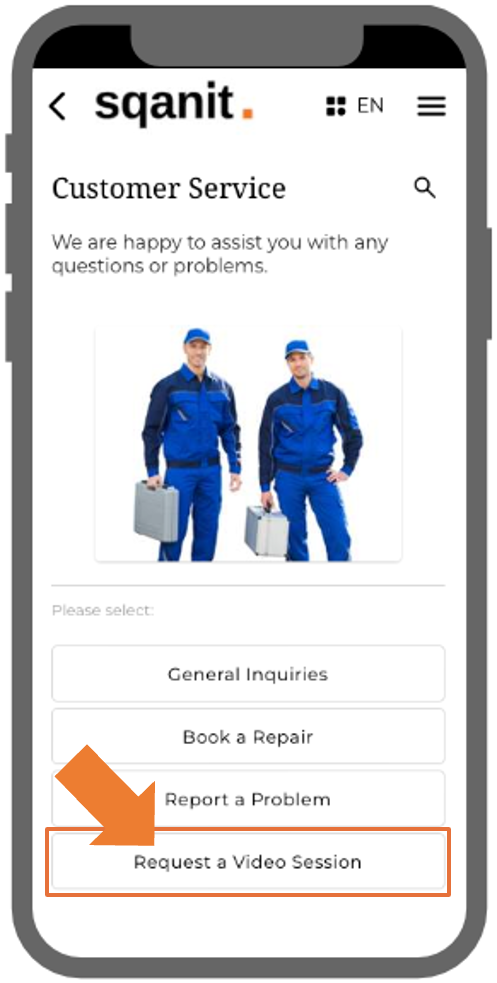
- Allows code users to initiate a call immediately.
- This feature is disabled by default and can be enabled as needed.
Benefits:
- Improved Collaboration: Facilitates real-time communication with visual tools to enhance understanding.
- Comprehensive Documentation: Screenshots, recordings, and ticket integration ensure all details are documented.
- Flexible Visibility: The option to set sessions to internal provides a way to retain important records while restricting unnecessary access.
- Enhanced Service Records: Keeps detailed documentation accessible for future reference or auditing.
- Flexibility: Supports various use cases, from troubleshooting to customer assistance.
Was this article helpful?
YesNo
 We use cookies on our website to give you the most relevant experience by remembering your preferences and repeat visits. By clicking “Accept All”, you consent to the use of ALL the cookies. However, you may visit "Cookie Settings" to provide a controlled consent.